AI ANALYSIS & REPORTING
4,000 comments. Analyzed before lunch.
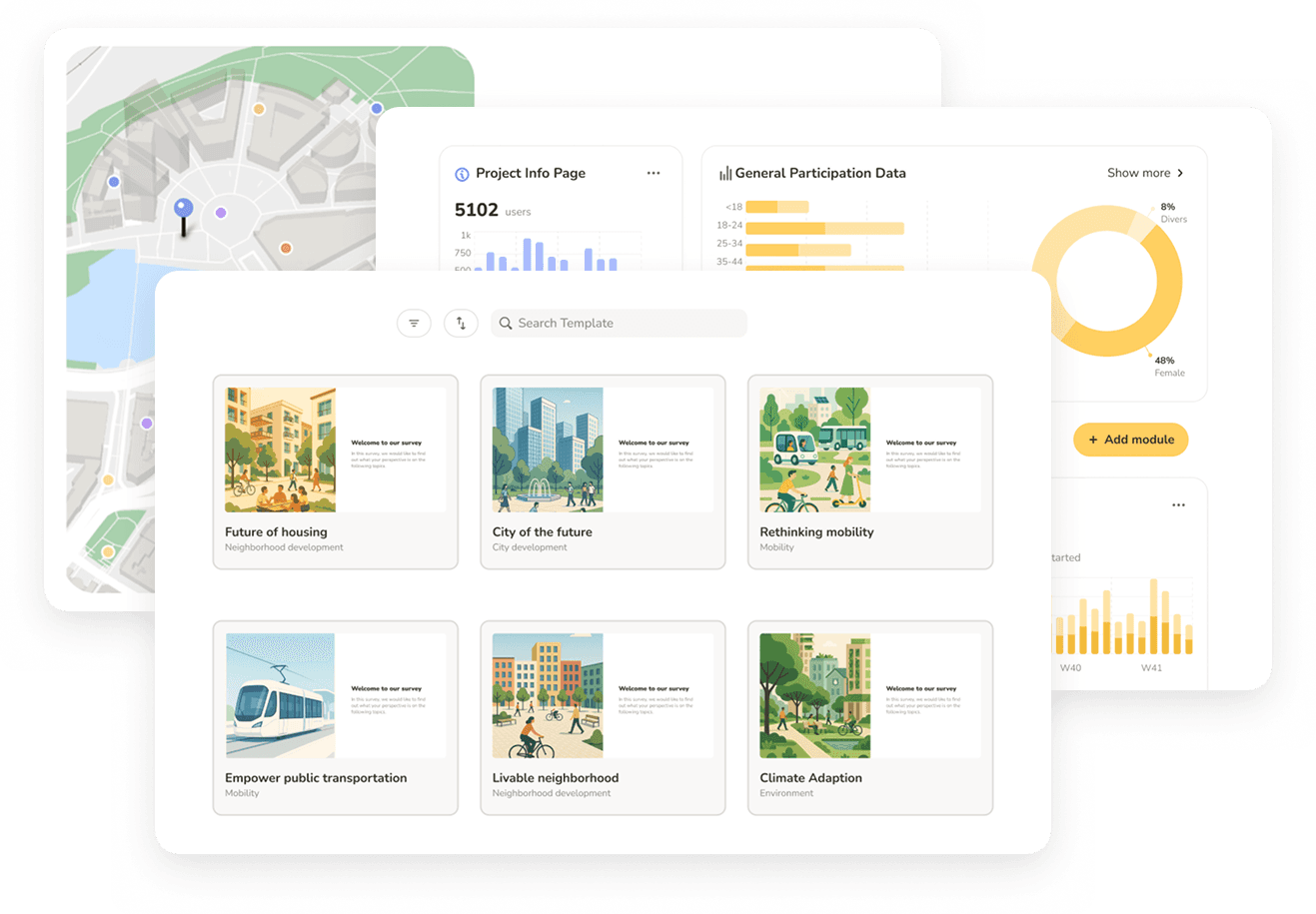
The analysis and reporting layer planning firms have been doing in Excel - now built into the platform. AI-categorised open text, branded charts that update in real time, direct export to ArcGIS.
AI categorization
Open-text responses and Dialogue Map comments auto-categorized at submission. Edit or reassign manually where context matters.
Live charts & heatmaps
Pie, bar, heatmap, word cloud – every visualization updates in real time as data comes in or filters change.
Export-ready for GIS and clients
PNG and SVG charts, full project ZIP, survey data as Excel — everything your client needs. GeoJSON and Shapefile for GIS.
Stop losing margin to comment categorization.
On fixed-fee contracts, open-text analysis is non-billable. A 2,000-response project burns 1-2 days. A comprehensive plan burns a week. Senf cuts that to hours not days – AI categorizes at submission, you review and adjust where context matters.
Filter everything. Compare anything.
Filter by demographic, geography, AI tag, or cross-question response. Split any chart by group to compare responses side by side. Change a filter, the charts follow. Change a category, the word cloud follows.
Charts that are the deliverable.
Most firms rebuild every chart in Excel or PowerPoint to make it client-ready. The charts in Senf come branded, styled, and exportable. Export individual charts as PNG or SVG – or every chart in the project as one ZIP. Drop SVGs into Illustrator without rebuilding.
Spatial output your GIS team can use.
Heatmaps by mode – walking, cycling, driving – and by demographic. Export as GeoJSON or Shapefile, directly into ArcGIS or QGIS. No manual geocoding.

"Including Senf in our proposals has become a real competitive advantage. It signals innovation to clients – and it wins projects."
Brian Reetz
Principal, Design Collective